
When working on programming projects that are very detailed or when editing crucial information in spreadsheets on one laptop screen while traveling, the constraints of having just one screen become frustratingly limiting. Being confined to a small airport lounge creates difficulties in managing different applications opened simultaneously on a single screen.
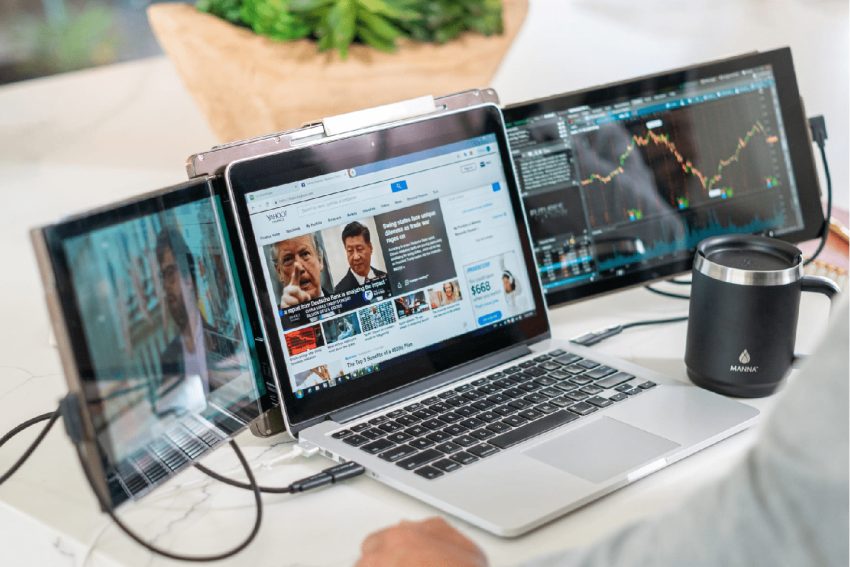
Implementing tools such as the Mobile Pixels Trio laptop screen extender instantly addresses this challenge. The portable monitor improves your screen real estate, allowing you to create an efficient working environment no matter where your travels lead you.
Recreating the Dual-Monitor Desk on the Go
Recreating a traditional dual-screen workspace while traveling is highly achievable with the right portable hardware. Connecting an extra high-quality display next to your screen unlocks immediate practical advantages for your daily professional tasks, making mobile work feel natural:
- Writers and Content Creators: Drafting your creative articles on one monitor while keeping your source research open on the other saves valuable mental energy. This simple configuration keeps you focused on your active narrative flow.
- Software Engineers and Coders: Keeping a live terminal or preview window active on your laptop screen extender makes testing code simple. You can write your primary script on the laptop display without constantly hiding your compiler.
- Data Analysts and Researchers: Reviewing complex spreadsheets on one screen while referring to technical documentation on the other prevents silly copy-paste mistakes. You can maintain a clean view of your active worksheets.
Segmenting Your Digital Workspace
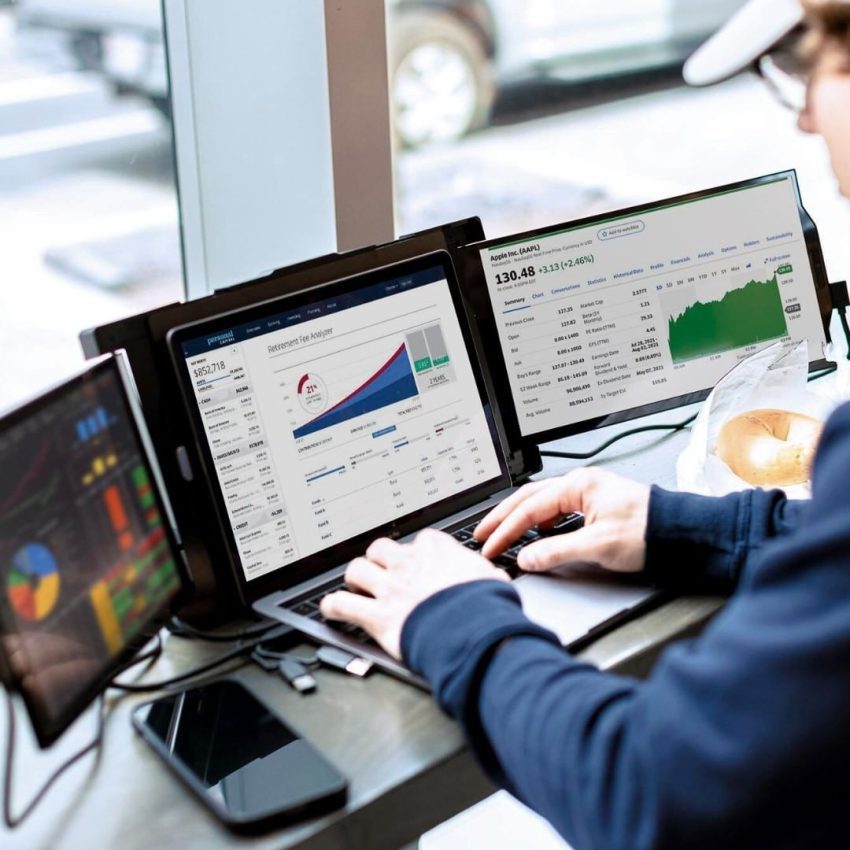
Dividing your active programs logically across multiple screens makes working outside the traditional corporate office feel natural and organized.
Isolating Live Communication Windows
Keeping your communication channels separated from your primary project files is a great way to stay productive. Parking your active Slack workspace or team email clients on your secondary screen prevents sudden notification pop-ups from breaking your deep concentration. This layout lets you monitor urgent messages while keeping your primary display dedicated strictly to your main task.
Comparing Dynamic Code and Reference Guides
For developers, constant context switching is a major source of daily mental fatigue. Keeping your API guides or reference manuals static on one screen while you actively write code on the other helps you maintain a smooth workflow. This practical setup makes cross-referencing syntax details or project requirements simple during long travel days.
This spatial separation prevents your eyes from getting tired and keeps your daily output steady while working on a train or in a cafe.
Selecting Your Mobile Travel Setup
Traveling on the go means having specific equipment designed to adapt to mobile lifestyle needs. Not every screen is created with the demanding requirements of a mobile environment. Therefore, when selecting a laptop screen extender to travel with, you have to make sure that certain physical characteristics are included.
Select an adapter that utilizes your device’s power directly through the use of one USB-C port. Moreover, make sure that the adapter frame is light, weighing no more than two pounds, so that you can place it next to your laptop in any pocket of the regular sleeve.
In addition, it should feature a kickstand to help hold the extension firmly on plane trays. The last important physical characteristic is a matte screen to reduce eye strain caused by sunlight glare coming through airport windows.
Your Mobile Setup Upgraded
Establishing a productive work environment other than your regular desk at home does not necessarily mean investing in heavy machinery that cannot be moved around easily. It is much easier to create a productive and enjoyable space by simply using a portable screen. It’s a small upgrade that will help in creating the perfect remote workspace you are looking for.